

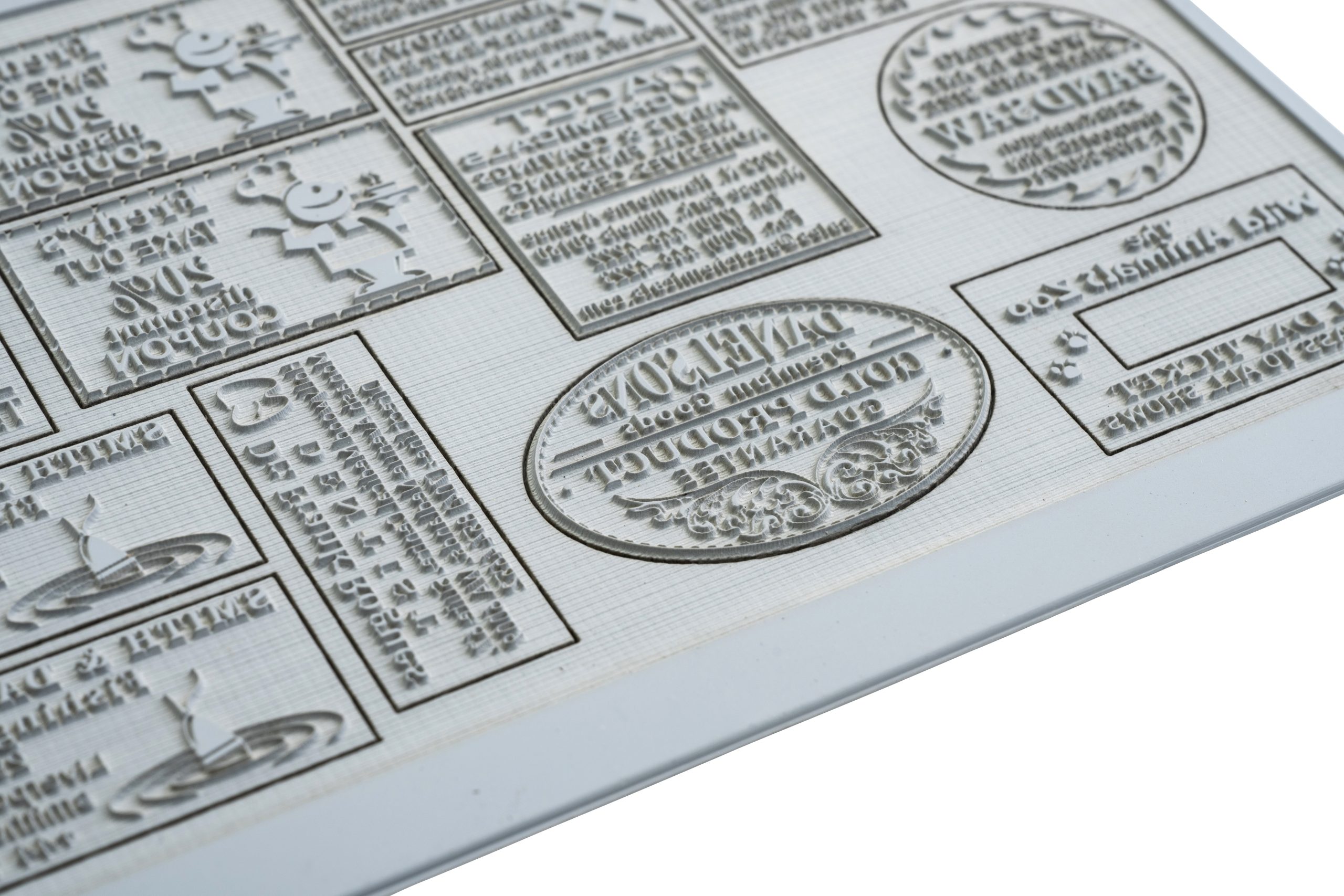


The appearance of your finished product is greatly affected by selecting the appropriate image resolution for laser engraving. Other crucial variables, such as graphic content, material type, and processing time, also hold significant importance in achieving the desired outcome.
Material impact #
During laser engraving, materials absorb energy, causing the dots to expand in size due to the generated heat. This may lead to dot bleed, where dots can overlap. When engaging in photo engraving, it is vital to consider this property and select the appropriate resolution to avoid encountering this issue.
| Material | Recommended Resolution |
| Glass, stone, textile, wood | lower resolutions: 125, 250 and 333 dpi |
| Acrylic, cardboard, paper, laminates | moderate resolutions: from 500 to 600 dpi |
| Metal, stamps, processing with fiber laser | higher resolutions: from 600 to 1000 dpi |
To preserve the fine details in your graphic file, we advise increasing the image resolution to 600 dpi. This adjustment ensures optimal engraving of intricate elements and prevents loss of clarity, even when dealing with the potential “dot bleed” issue mentioned earlier.
Processing times #
As the image resolution increases, the processing time for laser engraving will also proportionally increase.
By choosing a different resolution for your file, you can save time during engraving. For instance, for larger-scale engravings, opt for a lower resolution and a higher Z offset value to counterbalance the resulting line spacing.